Paxton, Where You Already Work
Litigation doesn't happen in one app
A filing arrives by email. Someone asks an AI assistant what it means. A colleague asks the same question in a different assistant, and the answer ends up in a brief in Word. Every switch is a chance to lose context, get a different answer or rely on a citation no one can check.
Firms have tried to solve this by asking everyone to work in one tool. That rarely sticks, because lawyers keep working where they're fastest. So we brought the research to them.

How it works
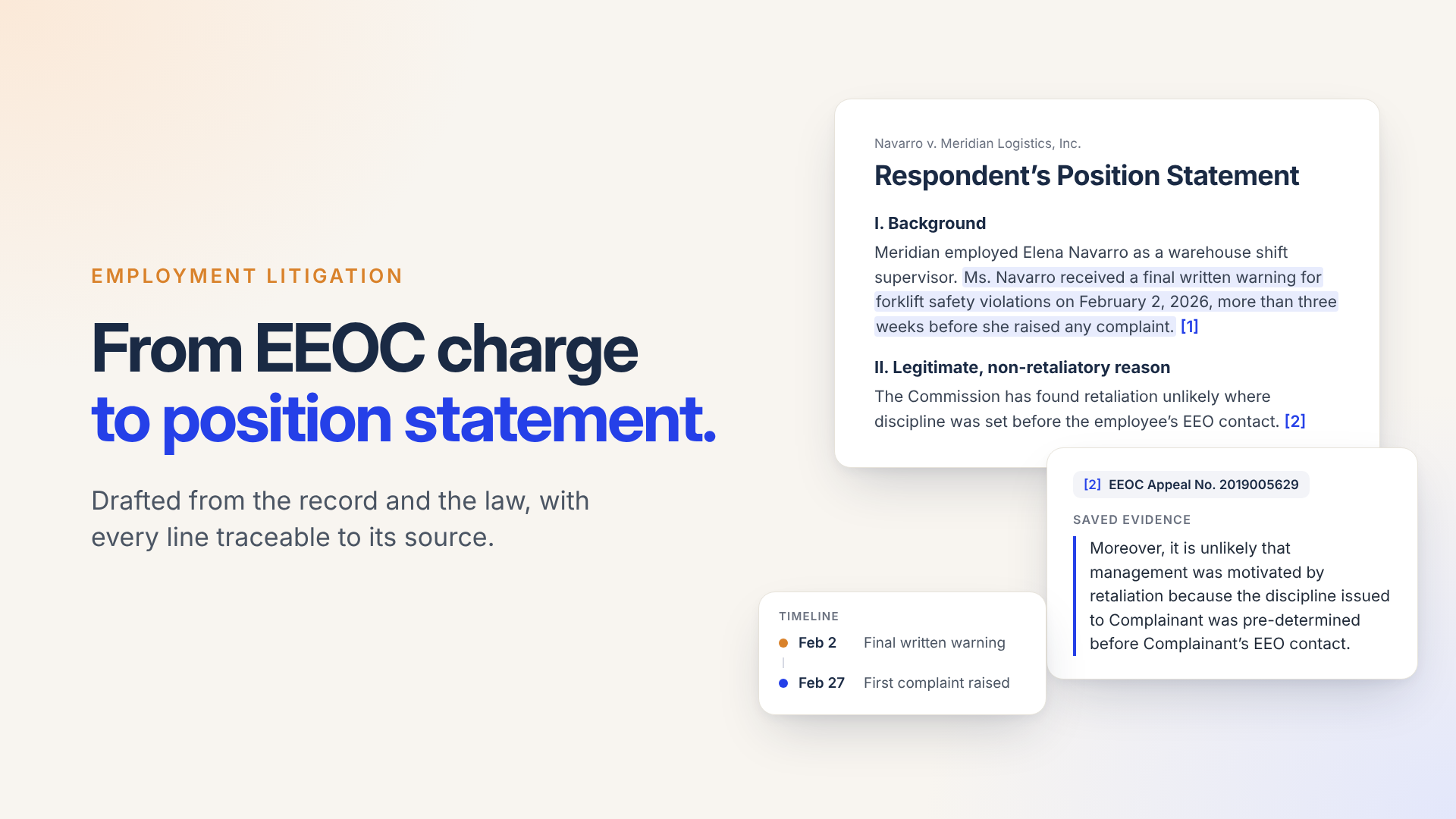
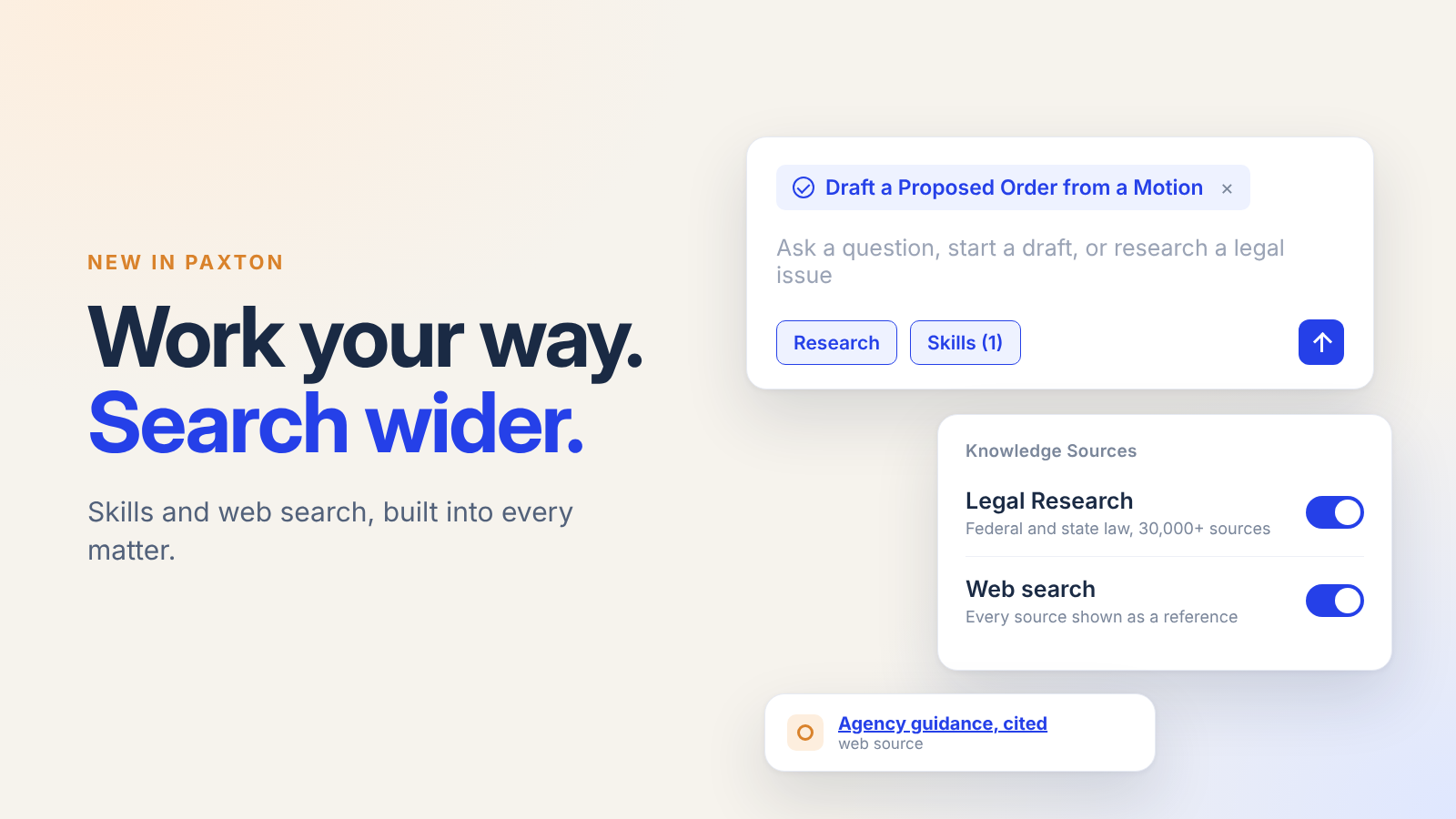
Paxton connects its legal research to each tool through a single, secure connection. Ask a legal question in Claude or ChatGPT, and the assistant calls Paxton to search federal and state case law, statutes, regulations, court rules, and EEOC and NLRB decisions, then check citing history with Paxton's citator. The assistant writes the answer in its own style, but the law underneath it comes from Paxton.
It runs on the same research engine as the Paxton app, and every authority links back to its source. In Outlook and Word, Paxton sits in a side panel. Choose your matter, and Paxton answers with the email or document in front of you in view.
One matter, start to finish
Opposing counsel serves an amended pleading that adds a new claim.
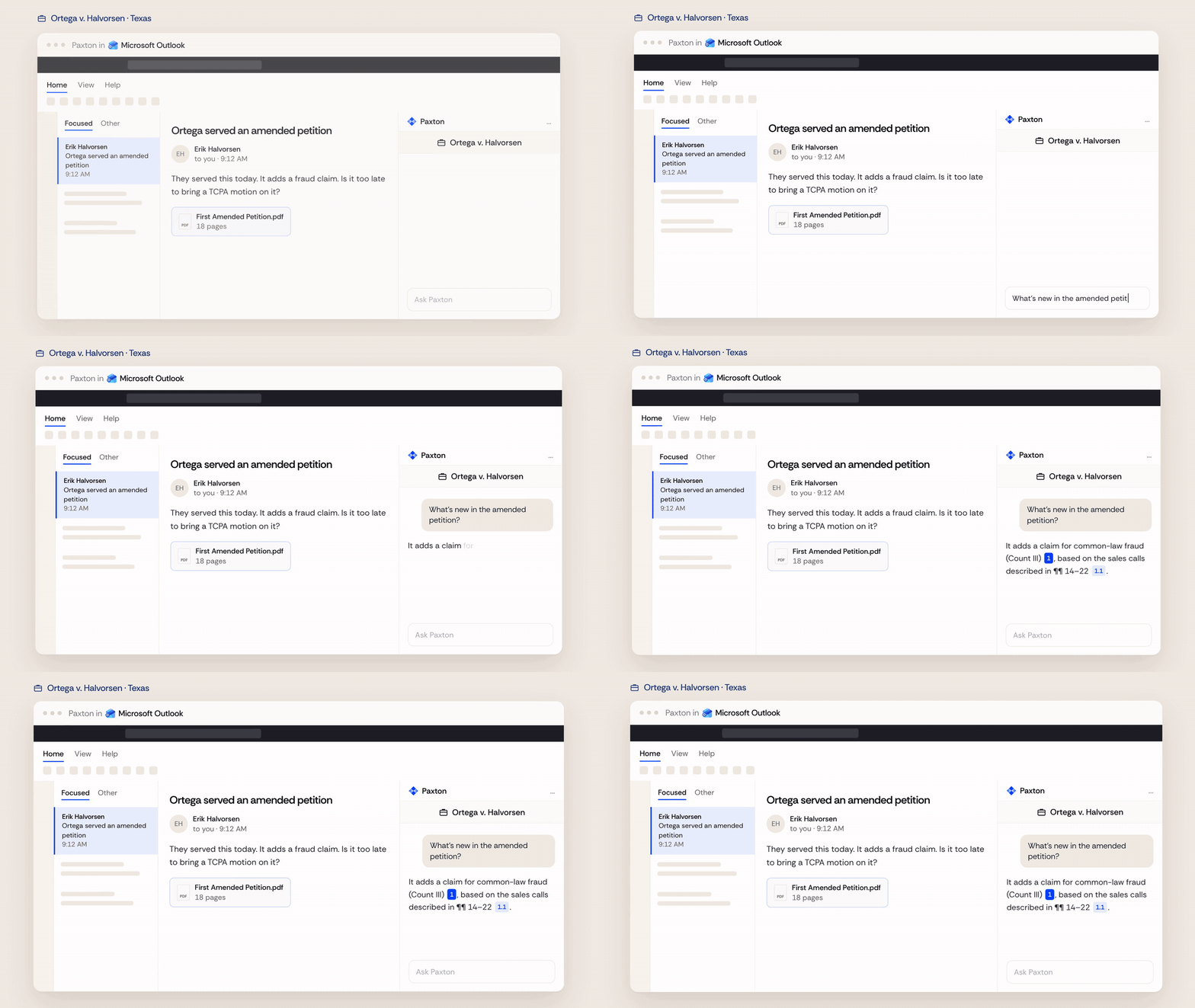
Outlook: Ask what's new without leaving the email. Paxton points to the new count and the paragraphs it relies on.
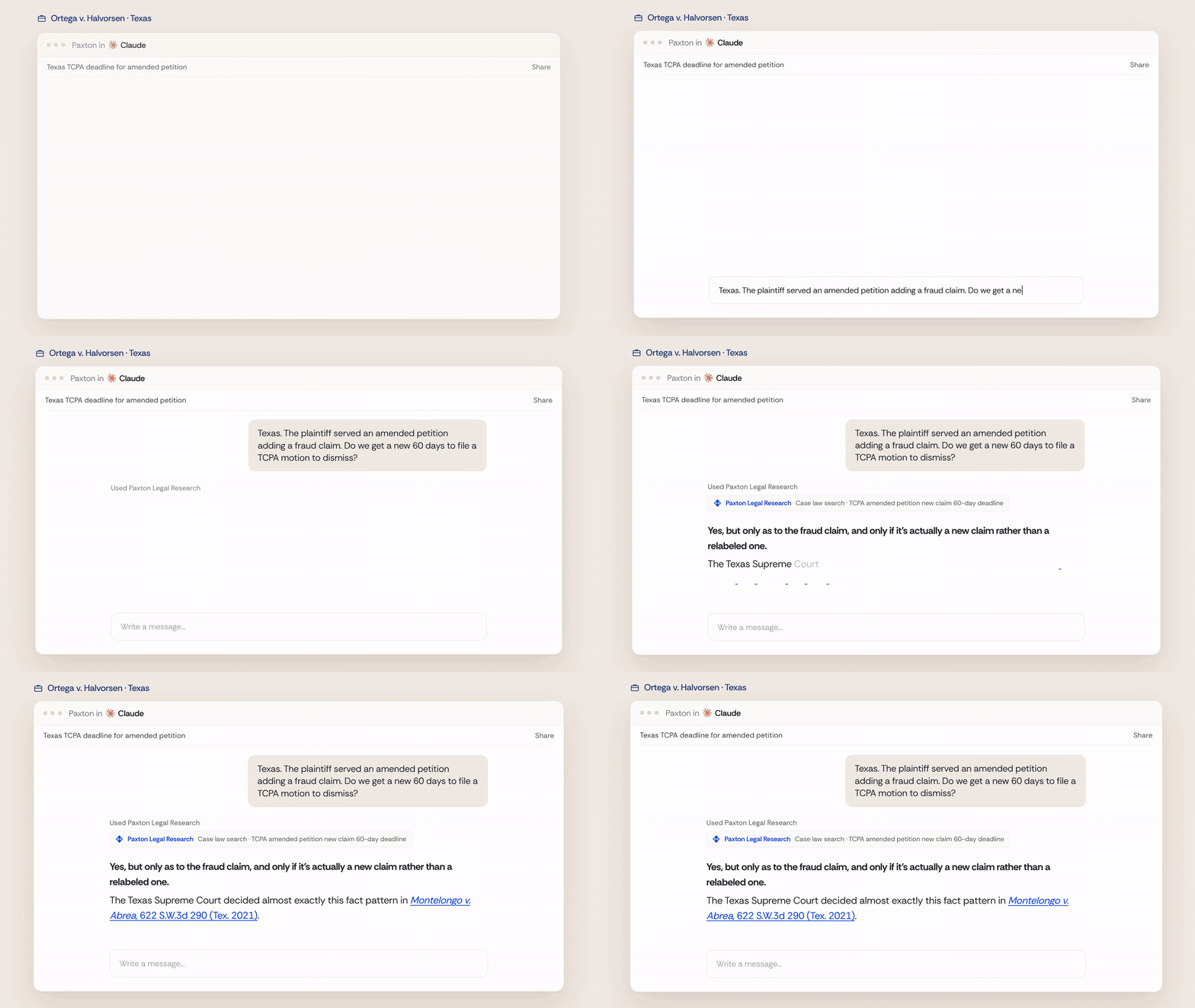
Claude: Ask whether the new claim changes your deadline. Paxton returns the decision on point, with a link to the opinion.
ChatGPT and Claude: Colleagues ask in their own assistants and get the same authority, because the research comes from the same place.

The source: Open the citation to read the opinion and check its citing history before you rely on it.

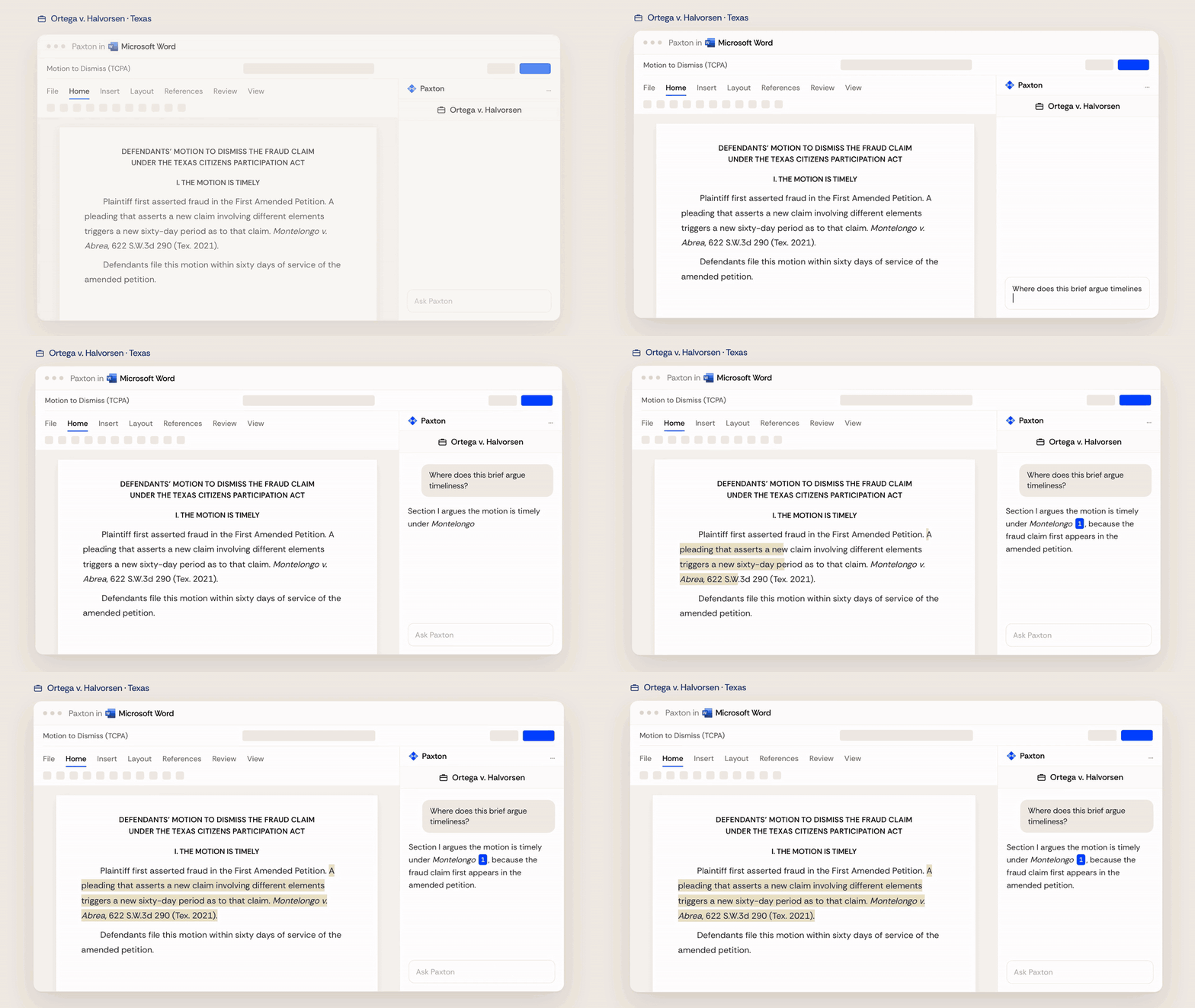
Word: Ask where the brief argues timeliness. Paxton points to the section and the authority behind it.
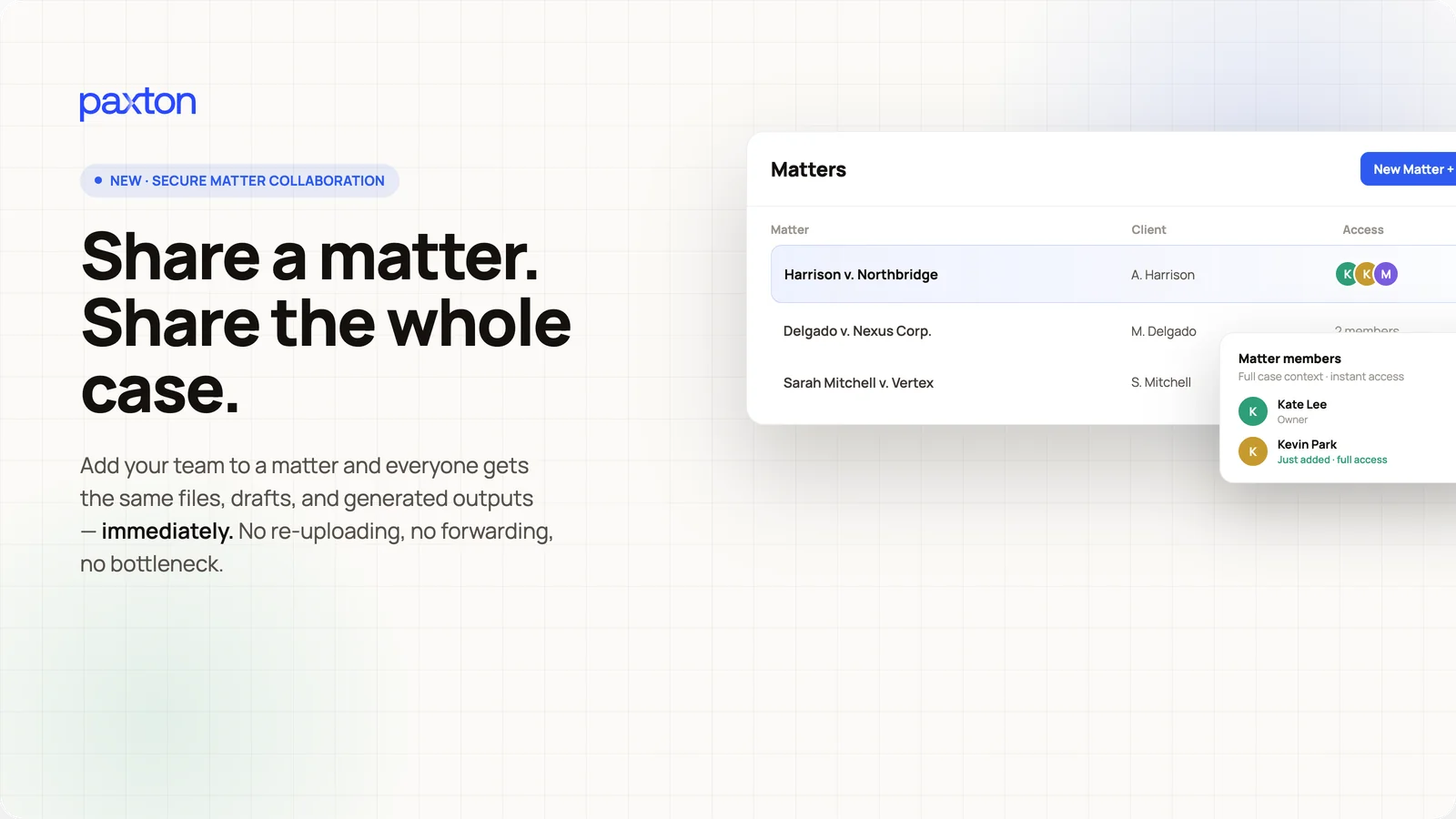
Four tools, one matter and nothing copied between windows. The team stays on the same page, whichever tool each person prefers.
Built for verification and control
Legal AI earns trust when every answer can be checked.
- Every answer cites specific authorities, each linked to its full text.
- You connect each tool with your Paxton account, and sources open behind sign-in.
- In AI assistants, Paxton's research is read-only. Lawyers decide what to rely on.
Get started
Paxton is built by the team behind CoCounsel. Find Paxton Legal Research in Claude or ChatGPT, or install the Paxton add-in for Outlook and Word, and sign in with your Paxton account. New to Paxton? We'll show you how it works with your own matters.