Paxton Is Now in Harvey's Connector Library
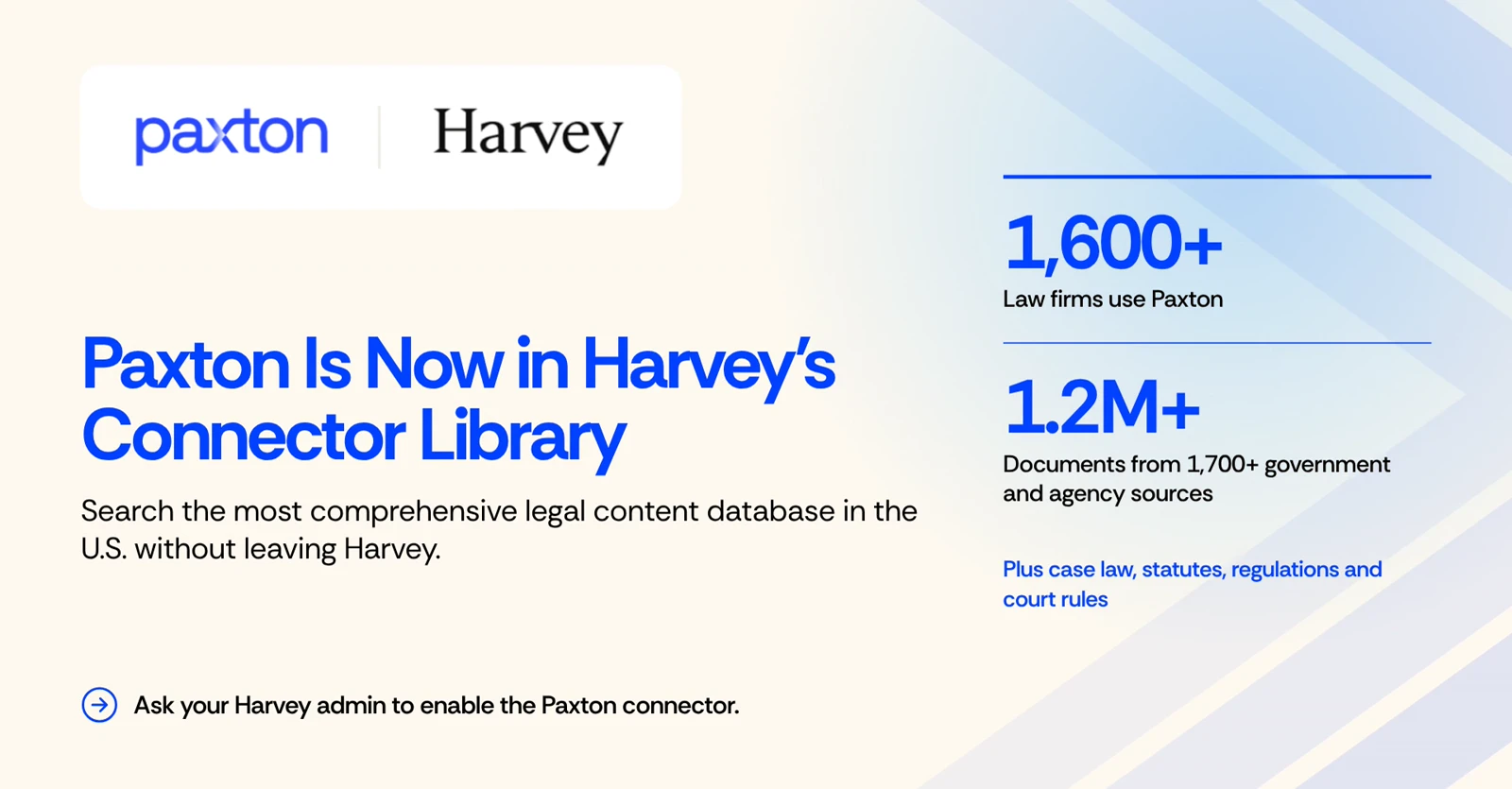
Paxton is now available in Harvey's Connector Library. If your firm uses Harvey, your attorneys can search Paxton's legal research without leaving their workspace.
Most legal teams now work across more than one AI tool. The research behind the work shouldn't depend on which one is open. With the Paxton connector, an attorney drafting in Harvey can search case law, statutes, regulations and court rules, plus more than 1.2 million documents from 1,700+ official government and agency sources, check how a case has been cited, and keep writing.
What the connector does
The connector gives Harvey users four research tools:
- Search case law. Find federal and state court opinions by issue, and narrow results by jurisdiction, date range or whether an opinion is published.
- Search statutes, regulations and rules. Look up federal and state law, including the U.S. Code and the Code of Federal Regulations.
- Check citations. See which cases a decision relies on and which later cases cite it.
- Read the full text. Open the complete text of any authority that comes back in a search.
Every result comes with a citation and a link to the source, so attorneys can check the authority before they rely on it. The connector is read-only: it searches and retrieves research, and doesn't change anything in Harvey.
Security
Every connector in Harvey's Connector Library is reviewed by Harvey's Security & Trust team before it's made available to customers. You can read more at trust.harvey.ai.
How to get started
Harvey admins can enable Paxton through their admin settings in a few minutes. If you'd like help rolling it out to your team, contact your Paxton account team.